

How Does Magento 2 Google Tag Manager Help Your Business to Grow?
Magento 2 Google Tag Manager helps you get the right data to drive a critical marketing strategy and make winning decisions. In addition, the module helps store owners to deeply understand customer insights, enhance store performance, and drive conversion rates.
With Magento 2 Google Tag Manager, you can fast and efficiently add Facebook tags, AdWords conversion tracking, re-marketing, Bing UET, Google Analytics, and more without requiring a developer to modify your Magento code. Magento 2 Google Tag Manager supplies data for the Magento website, and its right set of tools make it effortless to run your digital marketing campaigns while calibrating them across numerous departments and advertising agencies.
Google Tag Manager is a great tool that enables you to collect and manage your website's analytical data, making decisions about your website super easy and all you can control with your fingertips. It helps you keep track of all the code you are using on your website, while also saving you from having to work with expensive developers. Usually, when any code needs to be changed, every other code on the website needs to be modified as well. When it comes to this tool, you don't have to go through this long and frustrating process. The GTM is made up of various components, which will be discussed further. It is made up of a tag, a trigger, and a variable.
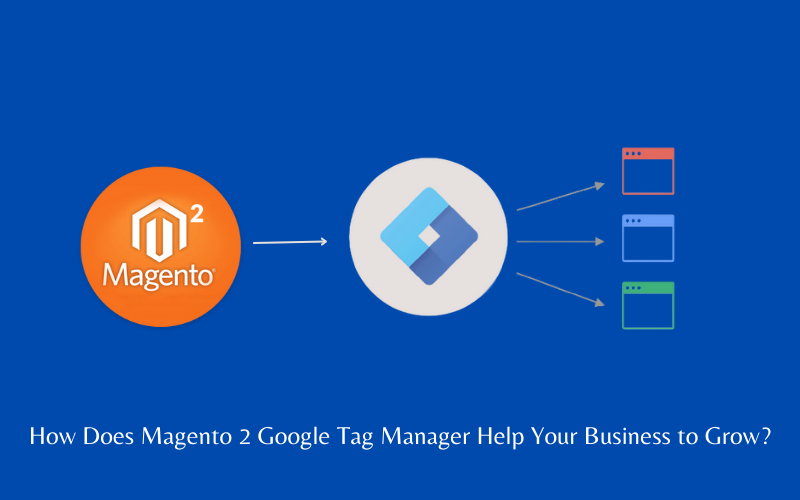
Magento 2 Google Tag Manager Benefits:
- Fast and effortless setup
- Add tag via XML layout and/or observer
- Advance Data layer with over 60+ data elements
- Fully customizable with 10 lines of code
- General Data Protection Regulation(GDPR) Support
- GTM Multiple Environments Support
- Content Security Policies Support
In Magento 2 Google Tag Manager you also get the facility of Google Analytics as Google Analytics is able to be fully integrated with Google Tag Manager. One of the most notable is the Advanced Ecommerce Data Report. Online stores can track customer behavior through five reports:
- Shopping Behavior: Feel at what stage they lose customers (product view, add to cart, checkout).
- Checkout Behavior: Identification of how the customer went through the checkout process.
- Product performance: View products performance in two different ways - price/revenue/quality and user engagement (views, adds, deletes).
- Sales Performance: Measure Sales in Detail.
- Product List Display: Product List View, Product Checkout, Product Revenue, and View details about Product added to cart.
Final Words:
Ever since it launched, the Magento 2 Google Tag Manager extension has made online marketers' lives better with a tracking code. If you are planning to track data on a website big or small, this extension can save you a lot of time and ensure a proper setup.
Use Webkul's Magento 2 Google Tag Manager extension to enhance your store. Anything you may be concerned about will be answered with Webkul's attentive support.
Maak jouw eigen website met JouwWeb